Showing posts with label Tips. Show all posts

Mar 24, 2014

How to take great pics with your iphone | photography tips | Atlanta based photographer

I don't know about you, but I pretty much always take pics of my kids with my iphone.  I'm sure most of you out there take pics with it too, or your android or windows phone...I guess those are legit phones too...haha! :)

There is a certain art to taking pic with your camera phone...especially if you like to use apps like, instagram!!

First off, follow the same photography guidelines for lighting that I wrote about here.

Secondly, and pretty dang important...take pics from your actually camera NOT in the instagram app.  That means go straight to your camera app and take pics from that.  Do not go into instagram and take pic from there.  The quality won't be as good.  Also, you may have notices, but when you reverse your camera, it's not as good wither.  Selfies are fun, but just not as awesome!

Instagram is so fun, don't we all love it??  But there are some rules I follow there too.  I pretty much stick to the same few filters, my FAVS are rise, valencia, willow, & walden.  I like those filters b/c they add just a touch of something special.  Filters are like editing a pic, so if you add a "strong" filter (for lack of abetter word) you could be distorting you picture a bit.

If you see the pic below, I like the filter I added, but it did make it look a bit "blown out". Which is fine since we're all viewing it on our little phones, but may not look so hot if I ever want to print it or add it to a book!!


If your taking pics outside, you just can't go wrong, because light is great!  You know when you see blurry or grainy pics....95% off the time, it's probably b/c you're in a low light situation.  So light is your best friend when it comes to phone photography or photography, period!!  Below I added the willow filter, b/c some images just need to be black and white!!


 Now, once you've got a good picture, adding a filter in instagram is great,  but I love the PicTapGo app.  It's a fun one with tons of filters and cropping options.  It also allows you to post your full image rather than a cropped version.  Go here and check it out.  You'll thank me later!!

Below are some images I edited on my iphone with PicTapGo and then even cropped a bit.


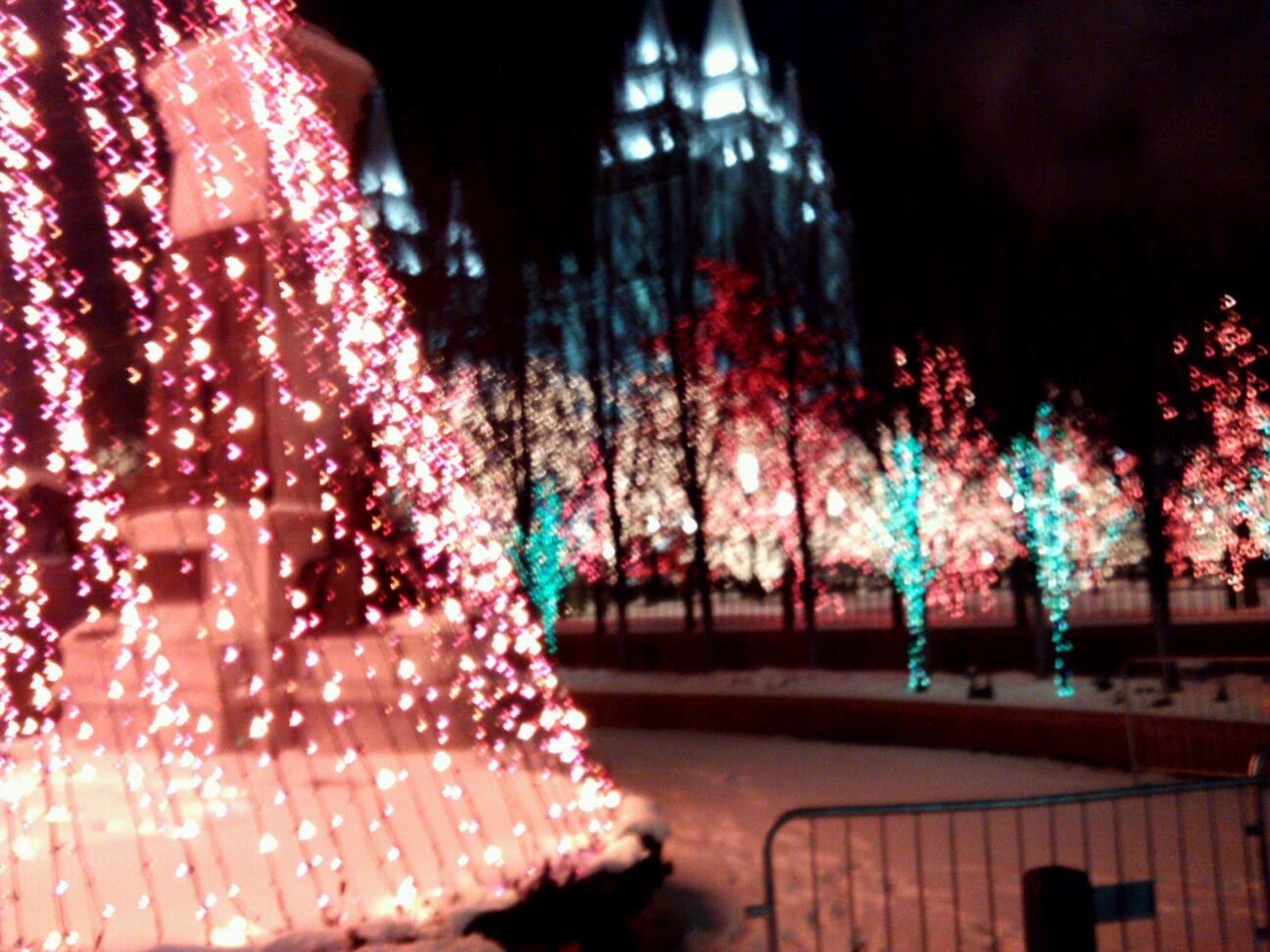
Again, you have to be careful of filters on these apps.  I had fun adding these filters, but you can tell I may have added a bit too much for the image below.  Again, no big deal b/c we're all viewing it on our tiny screens, but if this were an image I may want to print...it could be bad!!   Also, have to give props to my Dad on this pic...don't you love how out of focus it is?  But the lights were pretty, so I still had to share! :)


One last thing...do you ever wonder what to do with all your instagrams?  I mean, we all adore our images we put on insta, so why wouldn't we want to display them in our home.  Dorothy Nicole Photography can help!!


Contact me today to see how you can get your own instagram wall gallery or instagram canvas!! :)

Now, go take some awesome pics with your phone.  Post them to my FB wall here.  I want to see the fun stuff you do!! :)

Thanks!

Dec 9, 2013

How to take pictures of Christmas lights | Tutorial | Atlanta Portrait Photographer

This morning I got an email from a client asking me for some tips on how to take pictures of her Christmas tree.  I love it when clients ask for tips.  I love sharing tips and ideas on my blog, but I take the things I've learn for granted and sometimes I'm not sure what to share.  So I am thrilled when I get questions!!  I am happy to share some tips on this.

First off, I usually shoot in manual mode. This pic was shot in manual mode.  For those of you who know about manual mode, well get back to that in a minute.


Most of you are thinking, "Manual whaaaat?"  Don't worry about.  We can learn more about that later.  For now I'm gonna give you some ways to take pics with your everyday camera and even your iphone. 

Below, I have two pics of Christmas trees.  I shot them in auto mode on my dslr.  The key here is no flash.  Turn that flash OFF!!  Also, the lights in this room are off too.  So the only light will be from your tree.  The first one is pretty, but I like a little more light in my images...so this is where we cheat a little.  Most of you have some type of editing software.  Simply add a little light to your image and Boom!  There ya go!!!  But don't add too much light, that will cause you to add noise to the image and that's no good!


This is another example I shot in Auto.  The problem with shooting in Auto (well, one of them) is that it selects what is in focus for you rather than you selecting what you want in focus.  I would prefer the "peace" ornament be in focus, but if you look closely, the round ornamnet to the right is in focus.  But all in all...it's still pretty! 


Now on to the pic I took below with my iphone.  OK, this is not preferred at all, but it will work and will give you a suitable pic to share online.  Simply take a pic with your iphone (or any smartphone).  Again with lights off and NO flash.  The image will probably be a little dark.  If you like it, use it.  If you don't, plug it into one of your photo editing apps and lighten it a tad.  My favorite editing app is PicTapGo app.  Seriously love it...use it all the time! You're welcome!!

Now again, just add a touch of light.  As you can see in the image below, it does create some noise in the pic, but if viewing it on the small screen, it'll look pretty good!

Again...this is an iphone picture...just making sure we're all clear on that.  LOL!


Now for the real deal.  Manual Mode!!  Manual Mode is when you set the ISO, aperature, and the shutter speed.  I'll save a  lesson on that for a later date, but if you want to give it a whirl, bust out that user guide and learn how to change those settings b/c I'm gonna tell what you should set them at.

OK, here are the settings I use.  You don't want your ISO (light) to be too high b/c you don't want to create noise. These are the setting I used for both the images below

50mm lens
ISO 2500
Apertrue (f-stop) 1.8
Shutter speed 1/40 of a sec.

Also, these images are straight out of the camera...no editing!

Now, go give try it yourself!  I'd love too see what you come up with, so whether you use a point and shoot, an iphone, or in auto mode...I want to see them.  Post them on my FB page HERE.  It'll be fun!! :)

Sep 4, 2013

Photo Tips | Rule of Thirds | Atlanta Photographer

The "Rule of Thirds"...have you heard of it?  You probably have...but many of you may have not!!  Before I realized I even had an interest in photography, I attended a super Saturday at my local church.  It was basically a Saturday full of crafting.  We had to sign up for certain crafts and someone would give us a lesson and show us how to do it.  One of the things I signed up for was a photography class.  Just like you, I wanted to take better candid shots on my point and shoot or iphone as we know it today! :)  Anyway, That was the first thing he taught us that day.  Rule of Thirds.  I immediately went home and practiced it...and now it's like second nature.

What is it?  Basically you imagine your composite and divide it into 9 parts. Two horizontal lines and two vertical lines.  The idea is that you should focus your subject on the intersection of those lines.  Apparently, the artistic eye is naturally drawn to those places of intersection rather than the center. 

Below are a few examples...


Of course, sometimes you've gotta be a rebel and make up your own rules.  In my early days of photography, I would spend so much time wondering if my composite was "correct".  Then I realized that I had my own style and sometimes, it's the off-center/"crooked" stuff that I love or sometimes the center is the perfect place. 


But there is something to the "Rule of Thirds" and is a rule that should be noted, none the less! :)
Aug 15, 2013

Photo Tips | close up vs. far away | Atlanta Photographer

I recently had a friend/reader who asked me why you shoot at different distances...what are the pros and cons?  At first I thought it's just kind of personal preference, but the more I thought about it, there is a definitely reason behind shooting up close and personal or shooting far away.     

Fist off, I prefer to shoot up close because you can really see the details of a person.  I love to focus on the eyes...I mean, they are the windows to the soul!  Also, a subjects personality really shines through when you take their picture up close and personal.  The way they smile, the glimmer in their eye, the funny(or maybe sad) faces they make .  Sometimes I even like to focus in on eye lashes, especially for kids, they have the BEST eye lashes! :)  

As far as shooting far away...I usually pull back when there's a story to tell.  Is there a beautiful or interesting location?  Are there some kiddos playing with one another?  Is there a beautiful wedding dress to be shown?  Sometimes it's not about the subject of the picture at all, it's about the story of what they're doing or where they are at!  


I try to capture both types images in a session.  I think my clients love both type of images for different reasons! :)  I've chosen a few images from the same sessions to illustrate this for ya!
 _ _ _ _

I LOVED this session!!  The big red barn was JUST fabulous!!  The top image is close up.  I love how it shows the relationship AND the personalities of every member of the family.  The bottom pic is pulled back because I saw the kids talking with each other and how they were all different heights and then the youngest plopped down on the ground and I KNEW I had to capture that moment...no face, just shadows and a big red barn...so cute!

This session was at the coolest little town in Georgia.  Senioa to be exact...Ever watch the "Walking Dead"?  Yeah, it's filmed there.  These two shots are the same "pose", but I loved them both for different reasons.  The top one I loved, again, because it's close up and showing the relationship there...each parent interacting with their young children.  I loved the bottom image because there is just something about the architecture I loved...that cool corner building!!  Which one will they hang up in their house?  Who knows, but they each have a different story! :)

This is a beautiful graduate of 2013.  Of course I love the close up image on the left because it shows her beautiful eyes and look at that gorgeous hair!  The image on the bottom tells a story, a story about the southern town we live in.

The FAIR!!!  This is one of my all time favorite session!  I love the close up b/c, well, look at it, she's having so much fun!!  Her smile says it all.  But look at the family pic next to it...equally as fun right.  You can't see much about the family except they're laughing, but look at the fun colors, lights, and stuffed animals behind them....there's no doubt they're at the fair and LOVEing it! :)

And the wedding...You can't pass up a good close up of a bride and groom hugging.  Can't you just feel the love there?  She's just so happy to be married to the love of her life.  Next to it is the pulled back image.  WE had to get a picture of the full dress, how they are interacting and I loved showing off how it was rainy that day.  The trees are colorful and lush, you can see the reflection of them on the wet cement, and the umbrella...AWESOME!


Now go out a take some pics...close up and far away and see the different emotions and story you can capture.  Come back here and tell me what you found!! :)  Also, feel free to ask me a question any time and I'll be happy to answer and post about it! :)


Jul 19, 2013

Photography Tip l Non-Professional Camera l Atlanta Photographer

Funny thing...I get emails every now and then, from friends or FB acquaintances that want to know, what's a good (non-professional) camera to buy?  And I always give them the same answer...a Canon Rebel.  Since I'm a canon girl myself, I think this is a good starting point.


You can buy a Rebel Kit for around $650.  Also, don't be afraid to buy used from a power seller on Ebay OR I buy my equipment from Adorama.  You can buy new or used equipment and with their ratings system you know what kind of shape it's in.  I completely trust the!  I just bought my brand spankin' new camera from them and I could not be any happier!! So go check out Adorama!!!

A Rebel is a DSLR camera with some great features.  It may not have all the bells and whistle a professional grade camera has, but It's a VERY nice camera for a non-professional.  

Now, I must say...once you start using this camera, I'm sure you'll be amazed by it's quickness and sharpness and other capabilites, but if you don't understand the basics of photography, you're still gonna get the same type pictures as your little point and shoot.  Sure your images may be a little more vibrant and sharp, but you still need to learn your camera.  So once you get it, do me a favor and take out the manual (you know, that little white book that comes inside the box) and READ it!!  Heck, watch some videos on you tube.  I think you'll be VERY surprised on what you can learn! :)

TTFN,
Nicole


Jul 3, 2013

Photography Tips ~ Proper Lighting ~ Dorothy Nicole Photography

I frequently get emails asking questions like, "What's a good camera to buy?" or "What editing software do I use?", and other similar questions.  I get it!  You want to be able to take better "everyday" pics of your own kids!  And who can blame you?!!  I wanted to as well, that's what first ignited my interest in photography.  

My answer, as far as a good camera...the best camera to use is the one you have with you!!  Seriously!!  In this day and age, even cell phones have a pretty good quality to them.  Personally, I lug my iphone around a HECK of a lot more than I do my fancy camera.  And it takes pretty good pics, especially if I am outside b/c natural lighting is AWESOME!!  Which brings me to my topic...Lighting!!

It's doesn't matter the kind of camera you have or how you edit, if it's not a good image, there's only so much you can do.  So I am going to be regularly making posts with little tips to help you take better "everyday" images of your kiddos and family!!

So, LIGHTING....It's a BIG deal!!  Below I took some images of my daughter (ignore her pouty face, she can't help it, but it's cute, right?).  I had my camera on the same exact settings, but different lighting situations, facing towards a window, sitting beside a window, and sitting with her back to a window.  These are straight out of the camera, NO editing!!  Take a look...


This is my daughter with her body facing a window.  Pay attention to how clear it is. Her complexion looks smooth. If you look close you can see light (or even me) reflecting in her eyes.  PS, eyes MAKE a picture GREAT! :)


Ok, this is my pouty little girl sitting next to a window. The light is coming in from the left.  Her eyes are not so clear, the image isn't quite as crisp.  Her complexion is a little blotchy and look at the shadows...eek!


Ok, same camera settings again, but this time she is sitting in front of the window, light is behind her.  Her eyes are dark and AGAIN with the SHADOWS, ugh!!!  I guess her complexion isn't as bad as the last one.  Definitely not a sharp image that I would want to hang on my walls.


So, as you can see, lighting is pretty important.   The same rules apply if your outside as well.  

One more tip.  If you are outside in the middle of the day, try to find some good shade.  You'll still get the awesome effects of natural light but without all the squinty eyes and shadows.

Now, go practice with your kids, it's ok if you just have a point and shoot or an iphone, You'll definitely see a difference if you use proper lighting! :)


Also, don't forget the giveaway I have going on right now!!  Enter to win some cute stuff HERE!!
TTFN,
Nicole

PS, come on back and leave me a comment telling me how you did! :)

Apr 22, 2013

Newborn photography tips ~ Capturing Joy with Kristen Duke

I am beyond thrilled to have a guest blogger today!  She is Kristen Duke, pretty much a Jack of all trades, but today she's giving you and I tips on newborn photography!!  Whether you're a professional or just a DIY kind of mom, you're gonna want to read this post.   She has some GREAT suggestions!

........
I'm so happy to be guest posting today, and share some fun tips on photographing newborns! To introduce myself, my name is Kristen Duke and I blog over at Capturing Joy. I started blogging by sharing sneak peeks of my portrait sessions, but now share so much more: home projects, recipes, parties, and fashion!
 Kristen Duke
Today, I'm chatting about photographing a newborn! Whether you hire a photographer or take them yourself, here are some tips to think about.
 

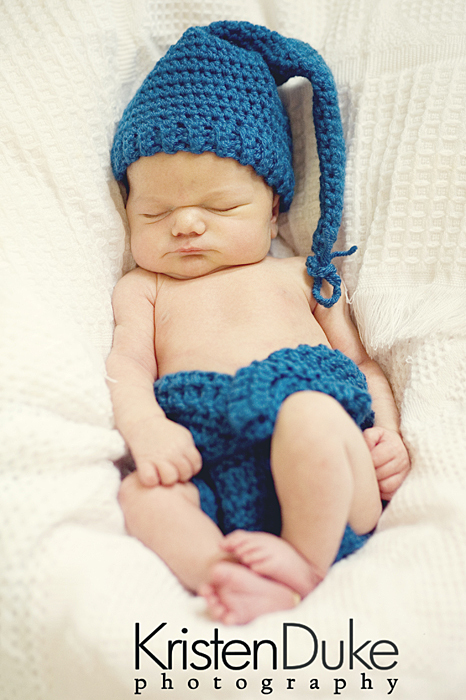
1. To get PRIME newborn pictures, take them within the first 2 weeks of life, if possible. Babies are more sleepy and easier to pose.

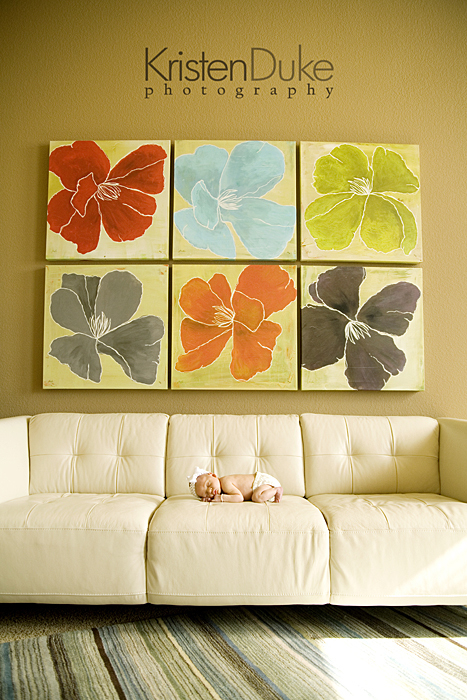
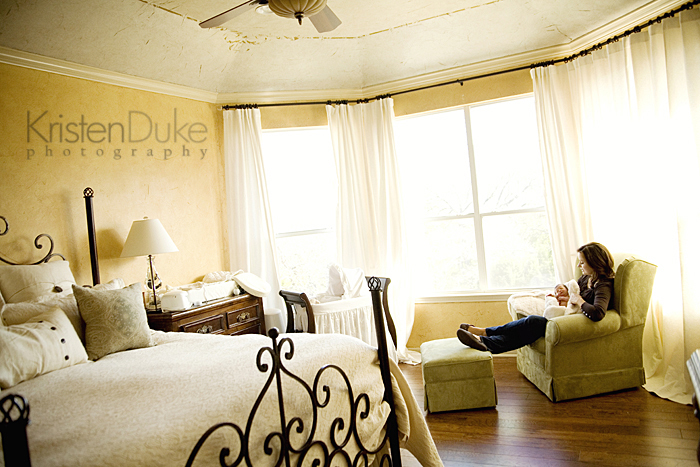
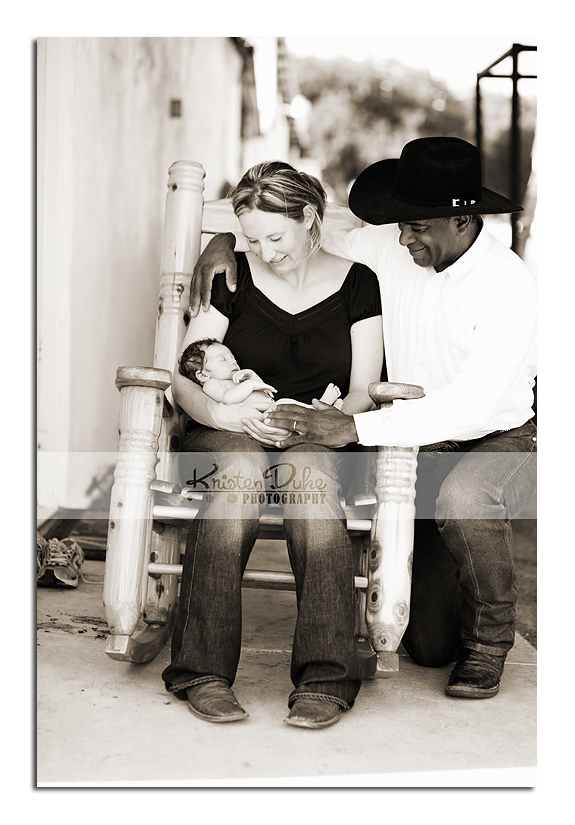
2. I like to use the background of my clients home, to make it more personal. Sometimes the baby room, sometimes the family room. It is fun to include elements in the home such as the crib, a rocking chair, dresser, or rug. I like to freeze the moment in time and capture the scene to tell their story at that time in life. The only downside to that is new parents often have a little bit of a mess, but I try to mention ahead of time that I'd like to use the nursery of somewhere in the home in the shots.

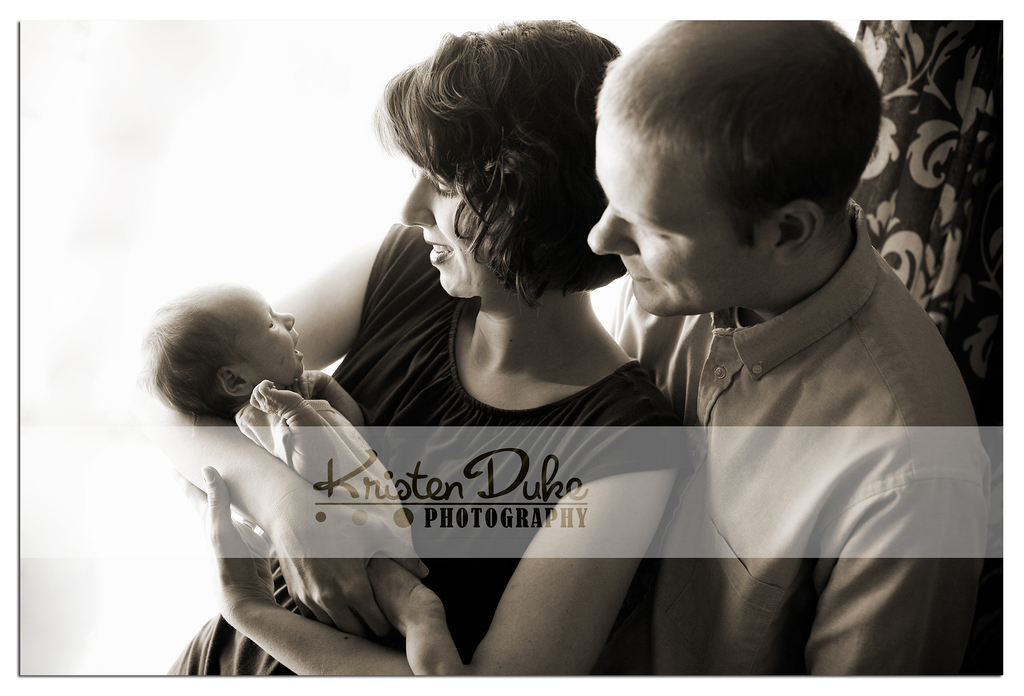
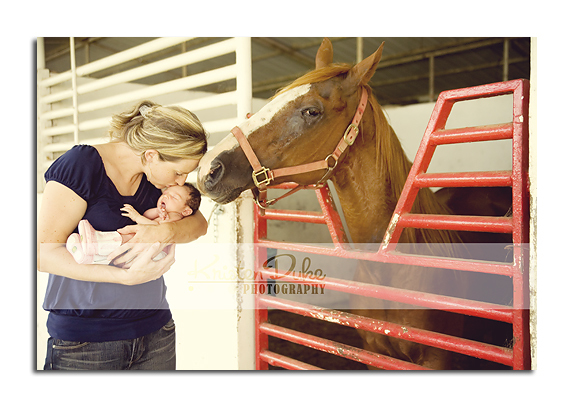
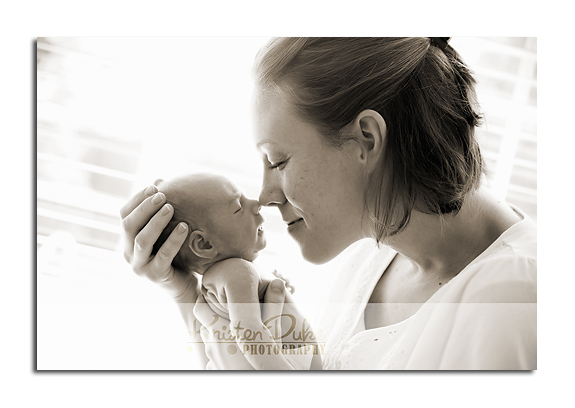
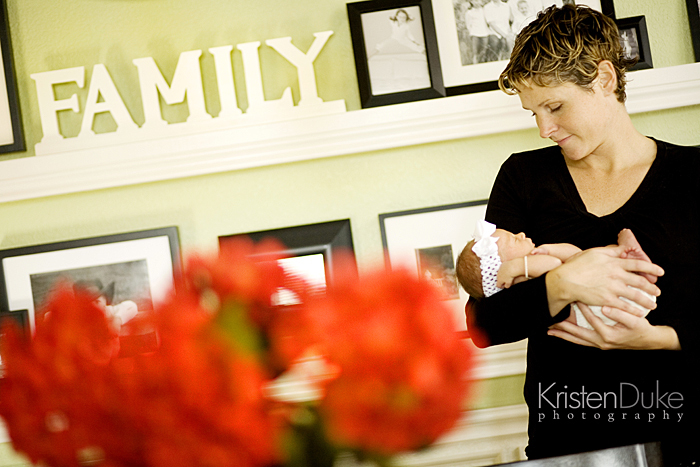
3. I like to use parents as a backdrop as well. Babies are cute by themselves, but parents are important and need to be documented, too. Most moms won't love the way they look, but I think it is important to include them, if only a brush of their face, or part of their hand.
4. Use a blanket as a backdrop. I used to have a backdrop set up at my home, and have clients come to me, but I have stopped doing that. This is the only type of session I actually enjoy the look of a backdrop... but still prefer the backdrop of the home.
 

I really enjoy the photo journalistic side of newborn sessions.


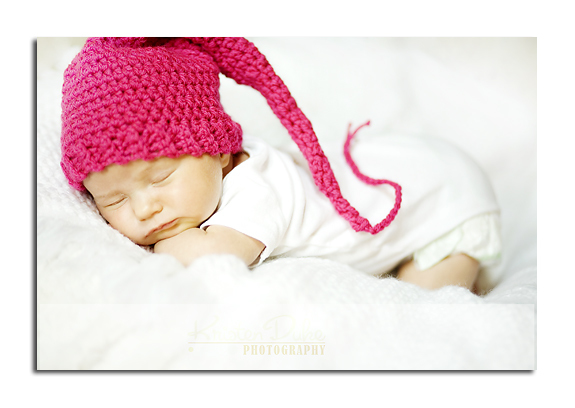
5. I often bring a handful of blankets with texture, solid black furry blanket, and beanbag. I will also throw in a few diaper covers (crocheted or cloth diapers), hats, etc. but I like to use the special blankets or hats that the parents have bought for their child instead of using mine and then leaving with it. But I do provide it as an option. A Boppy pillow is also a great place to set the newborn with a blanket in between. I also tell parents to wear solid colors (prefer black) to be a makeshift "background" as they cradle the baby. Long sleeves are best.

6. Keep it warm! I often suggest to crank the heat up in the home so baby will be cozy and happy. Have them fed (and happy) just before the shoot, but if crankiness occurs, I just plan to sit and chat while they are fed--and am constantly reassuring the parents that this is normal. Binkys on hand are great, white noise, but I am regularly rocking and shushing (in a rhythmic way) the baby myself and will place them in the spot I have in mind.

7. Eyes opened/eyes closed. I like both. I do not have the sleep-baby-posed-just-so-with-hands-tucked-under-chin pose down. There are videos on you tube, I've seen people do it, but I guess I don't try enough because it isn't my thing.

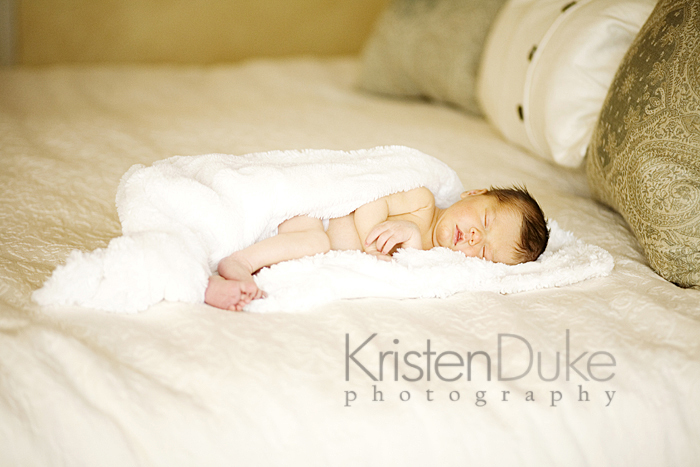
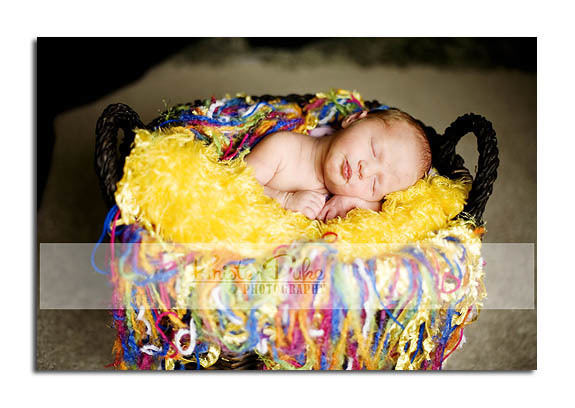
8. I often bring my bean bag as close to a window as I can with the baby facing it, grab a kitchen chair to stand on, get above the baby and shoot down below. Great angle. Great Light. The above shot is just that.

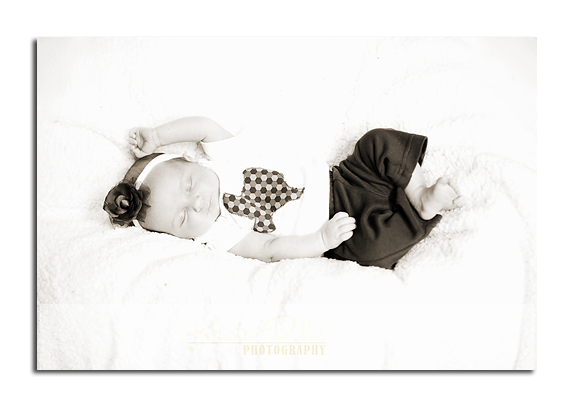
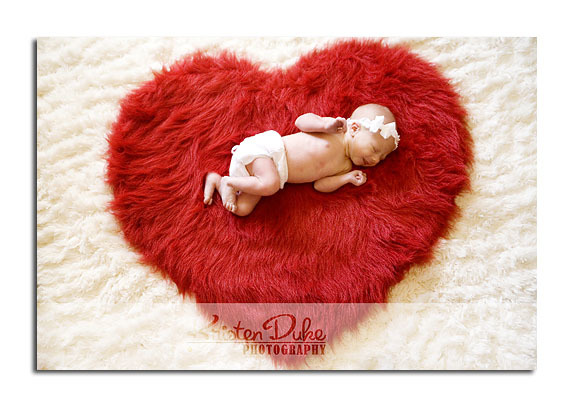
9. I am not a big fan of "baby outfits." You have newborn portraits taken to see that fresh new baby-ness, not the cute little outfit you bought with just a head poking out. I like to shoot partial nudity. Naked with a diaper/diaper cover on. It is a good thing to discuss ahead of time with the parents so it isn't an awkward thing there. If they are completely against any form of nudity then I love the clean look of a white onesie. If possible, strip them down to the desired look well before the shoot/before feeding and wrap them cozy in a blanket so as not to disrupt that peaceful phase as you being shooting.  

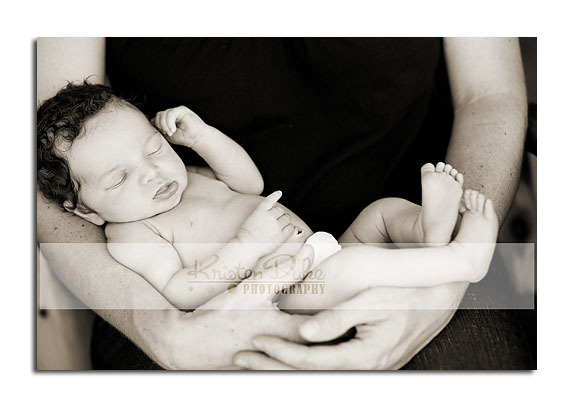
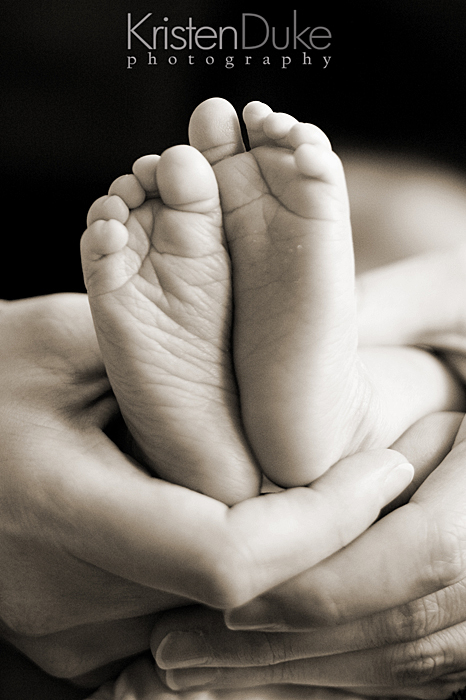
10. I take close ups of the feet, and often cradled in mom or dads hands to show the size difference.

11. Pee and poop is inevitable. Embrace it, friends, and laugh with it. Those can be fun shots, too! I also like to capture a little cranky face. Seems sad at the time, but I enjoy viewing that raw emotion later.


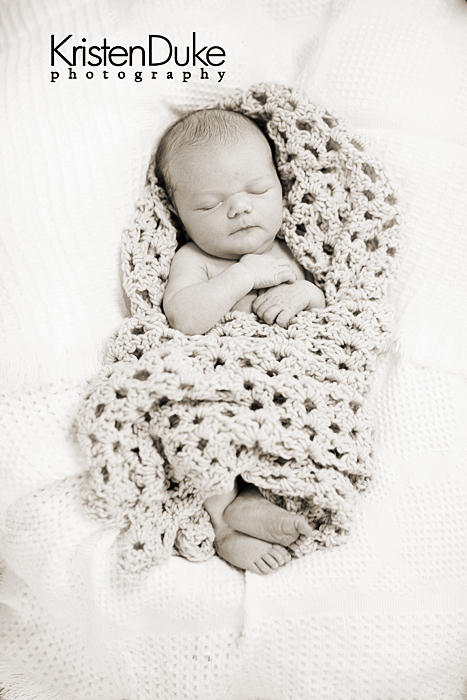
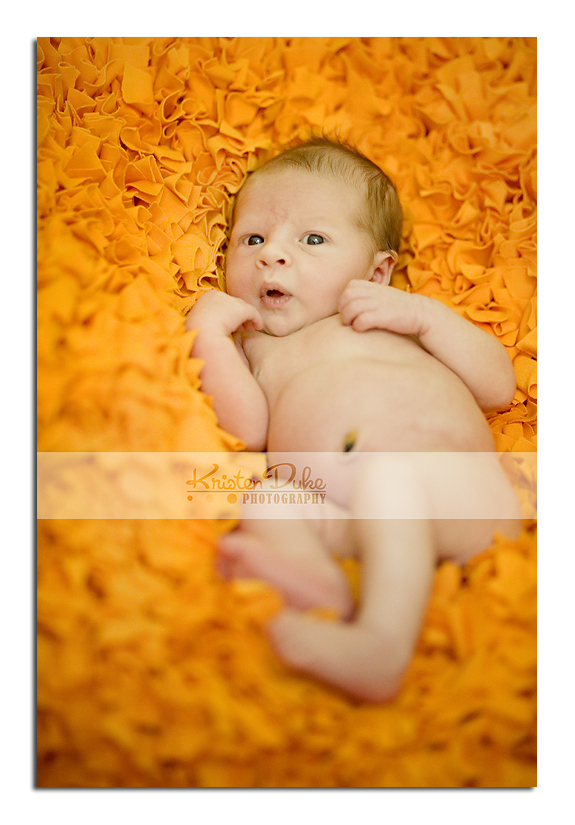
12. Unless there is a lot of colorful home decor, I often show the majority of my images in black and white. There is something so pure and simple about that look, and often the baby skin has blemishes that are hidden with black and white. Here are more of my newborn portraits. This is such a beautiful time of life. The new addition to a family, the joy, the love. I do my best to capture that emotion and tenderness. If you want to be a better photographer and take pictures yourself of your newborn, check out my book, Say NO to Auto with simple steps on learning your manual settings.

 
Related Posts Plugin for WordPress, Blogger...
Blogging tips